
To start:
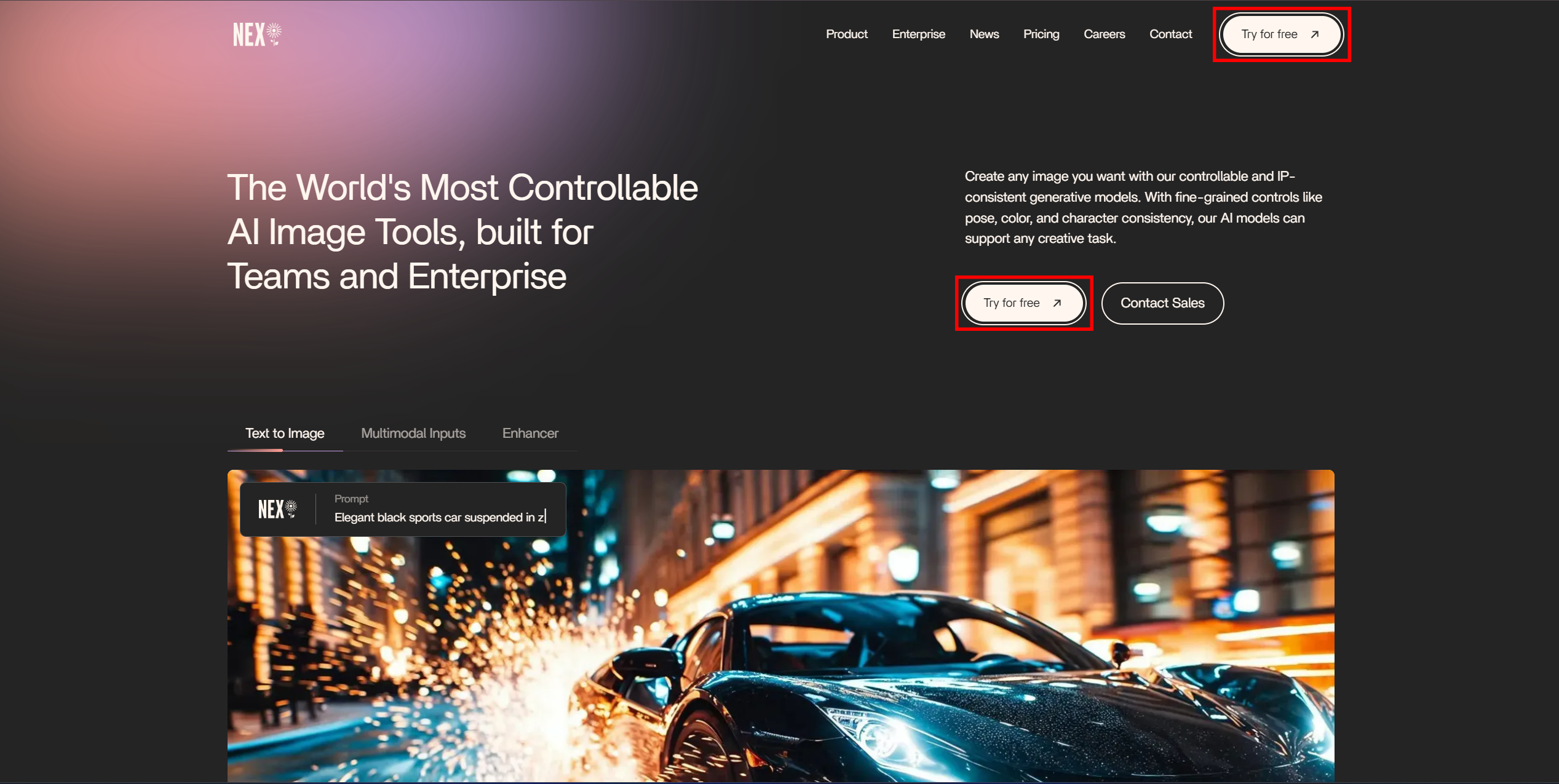
1. Click either of the “Try for Free” buttons
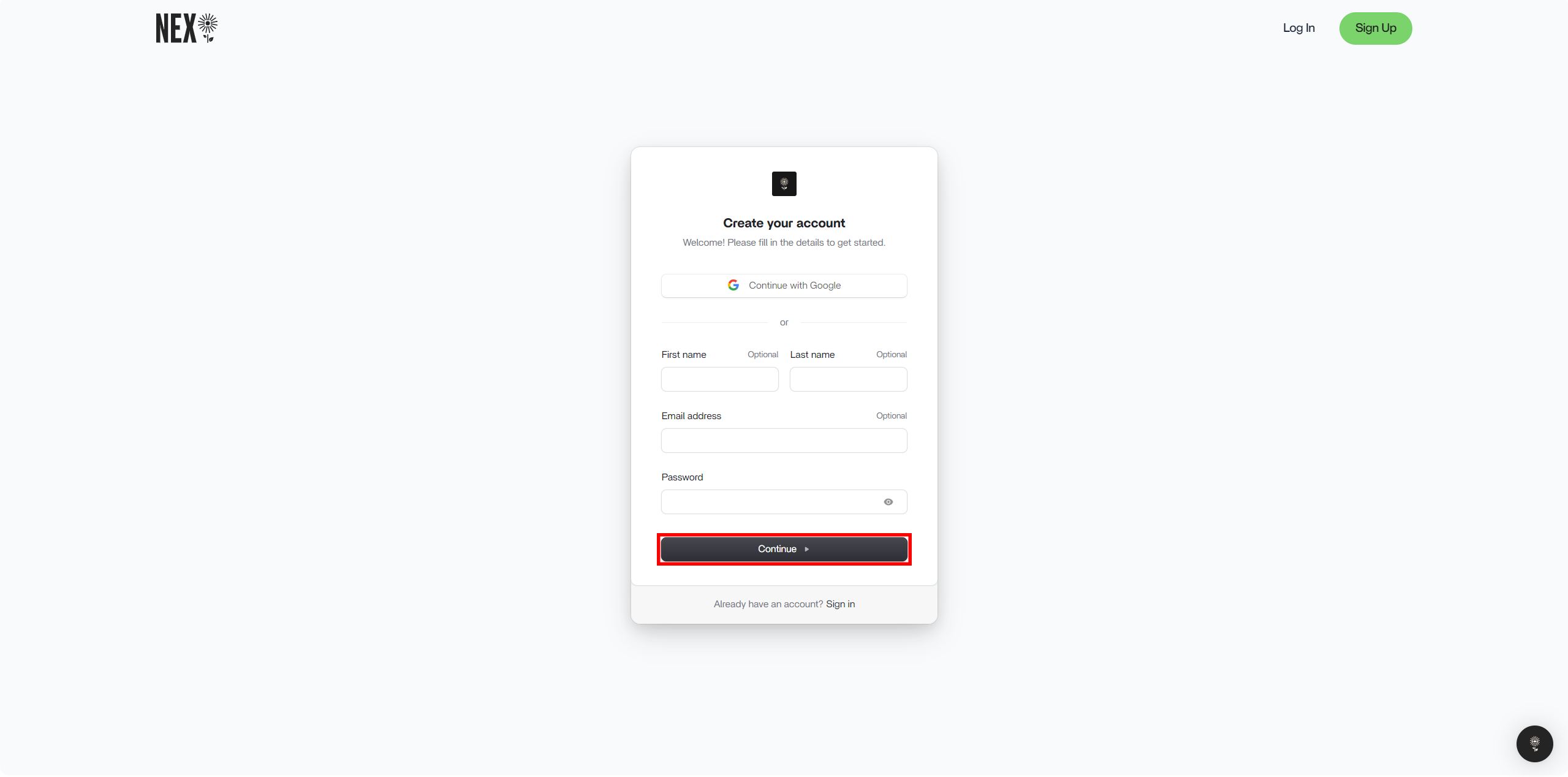
2. Fill in the required boxes of the Sign Up module and click “Continue” at the bottom.
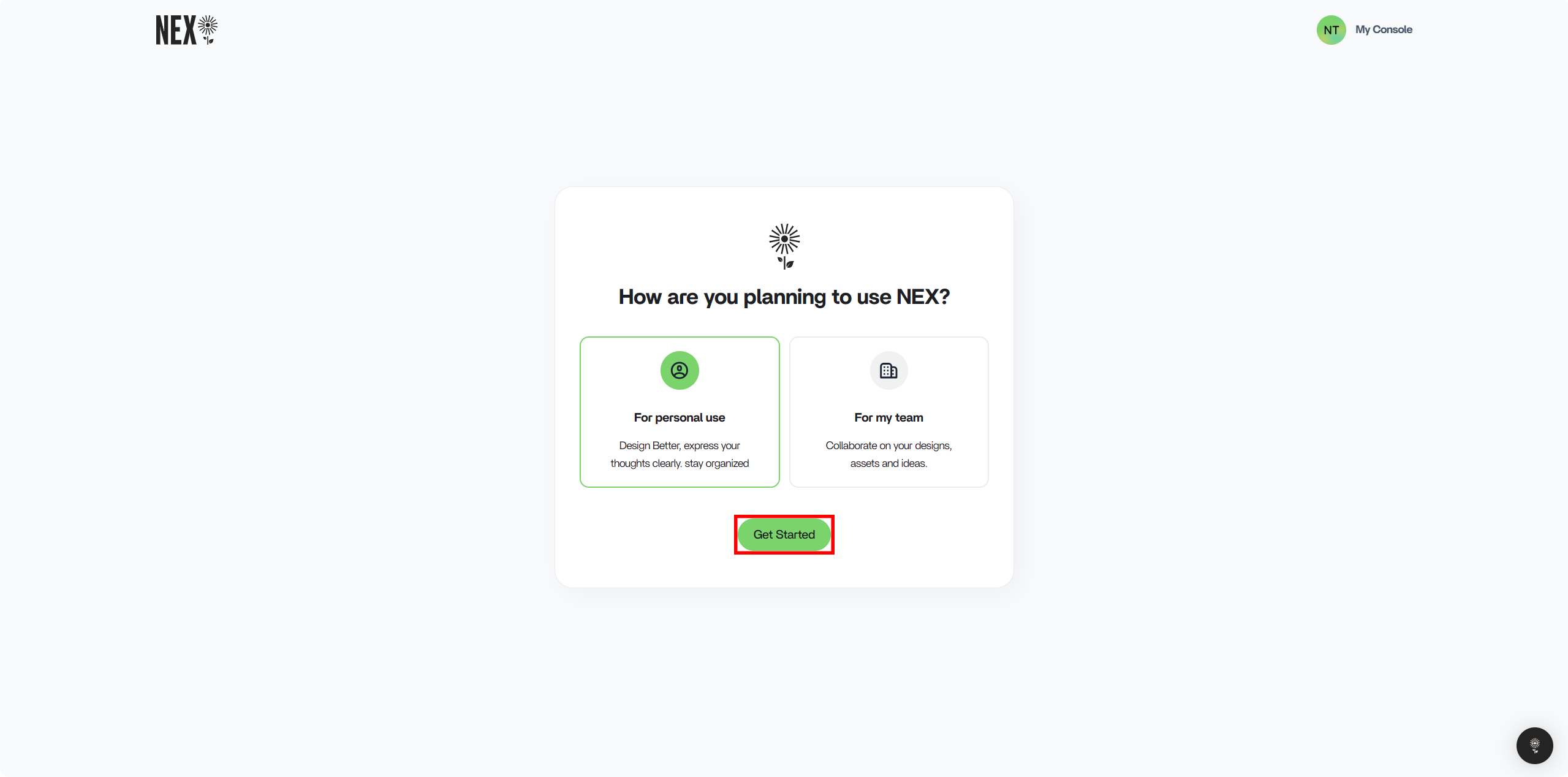
3. After deciding what you’re planning to use NEX for, select the option and click “Get Started”. Ensure that the option you want is the one outlined in green.
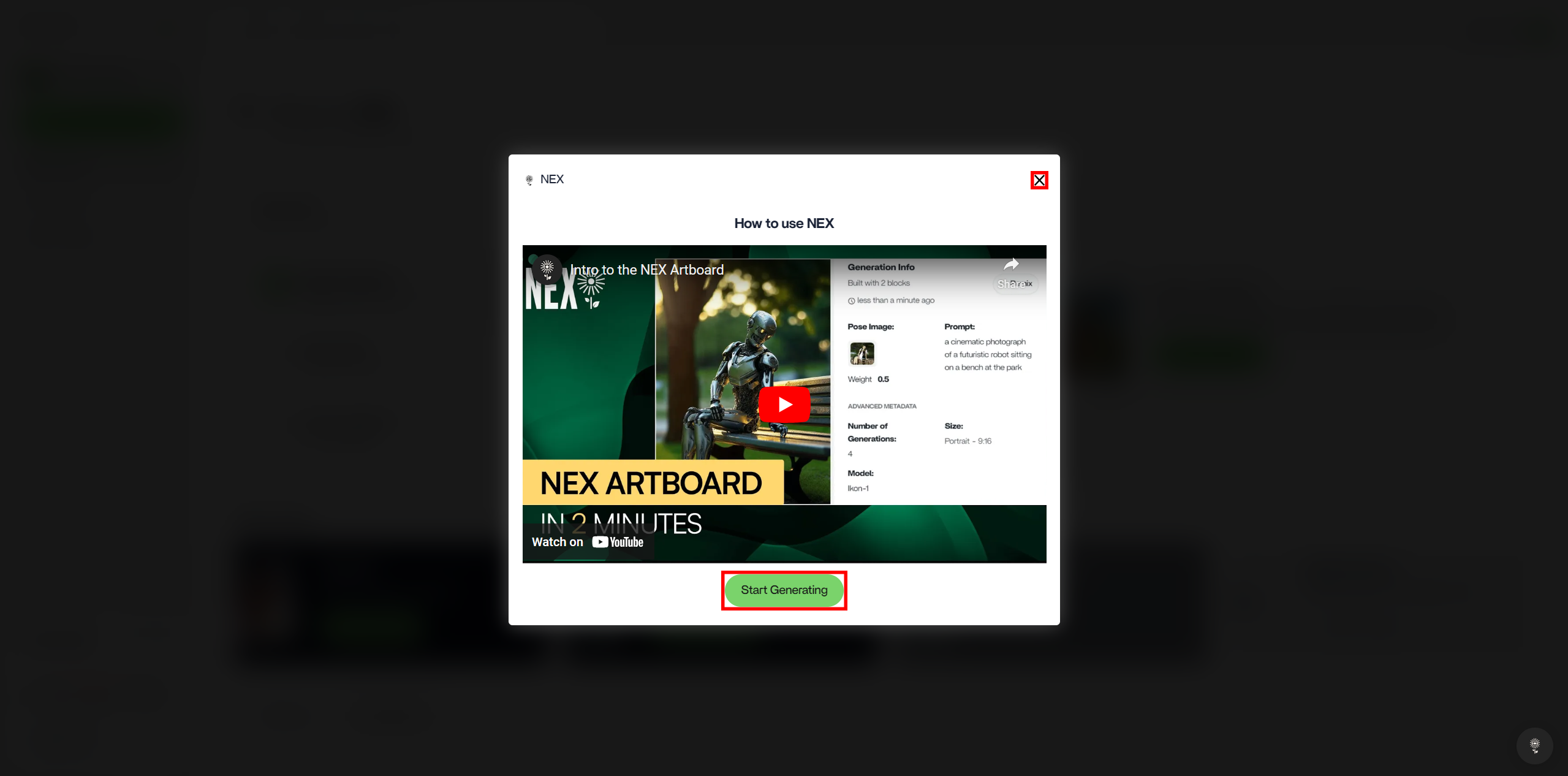
4. Once you’re in, you’ll be presented with a tutorial modal. If it’s your first time using NEX, we encourage you to watch the tutorial. Alternatively, you can exit out of the modal by clicking the X in the top right corner; or you can head straight to the Artboard by clicking “Start Generating” at the bottom of the modal.