

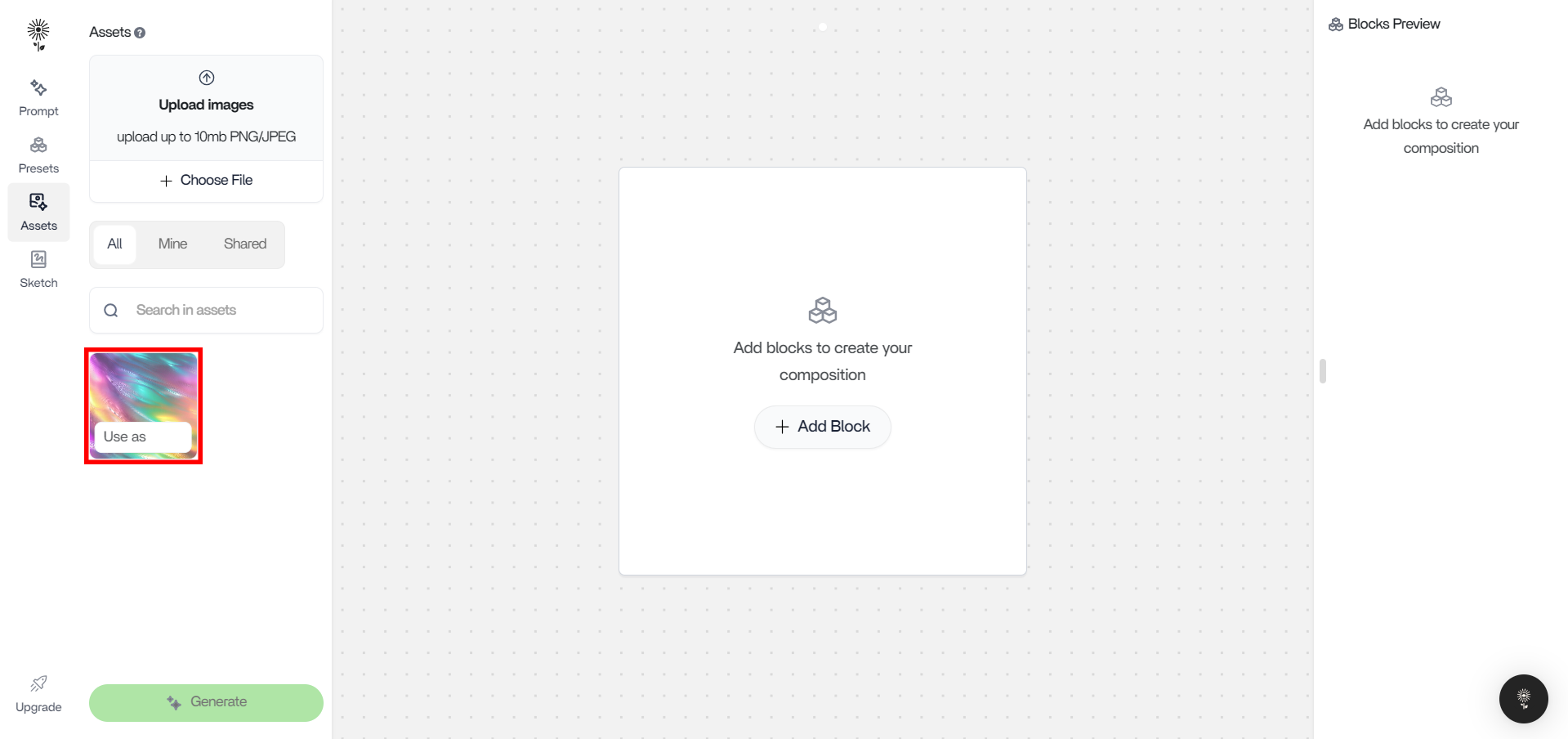
1. Hover over the image that you have uploaded for Pose Control
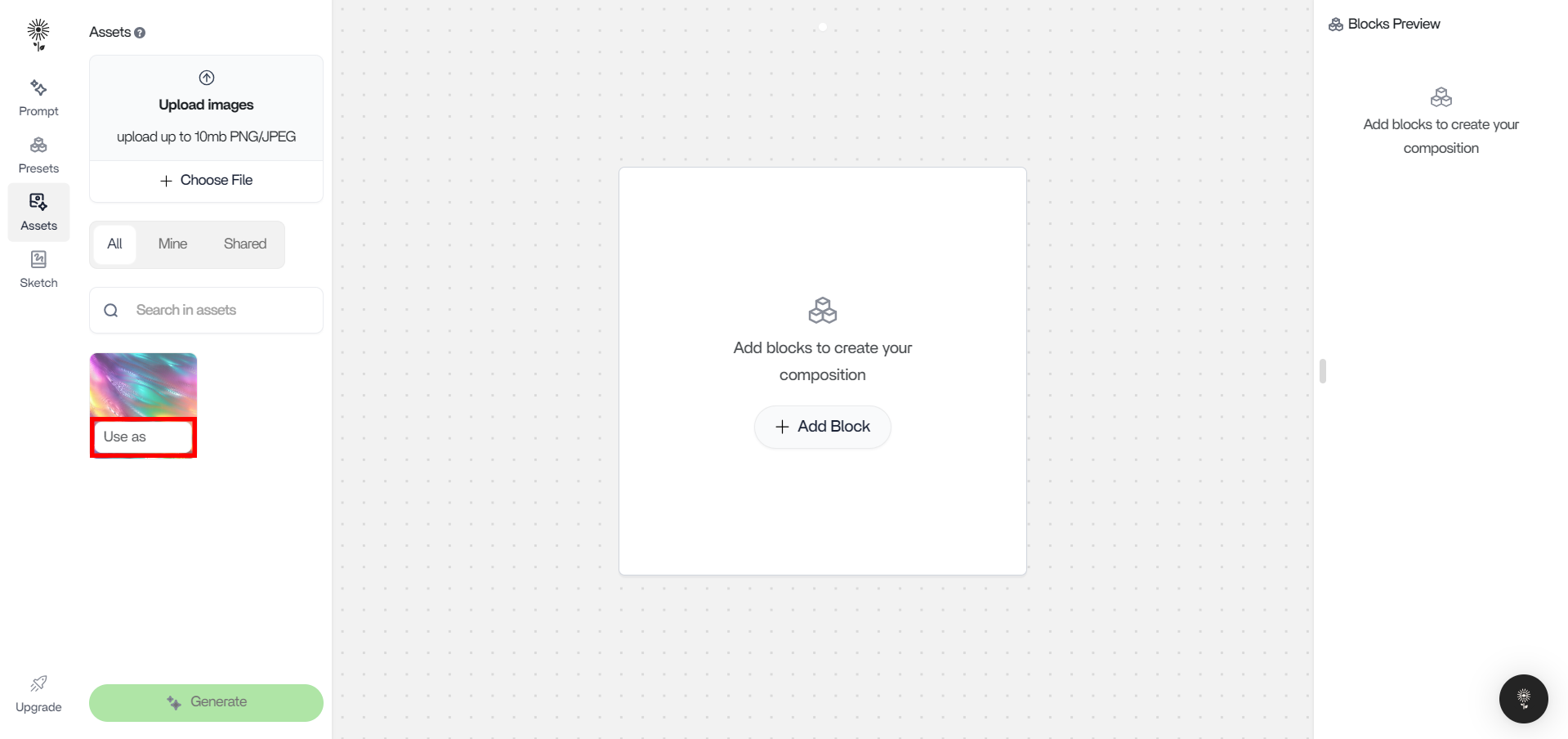
2. Click on “Use As”
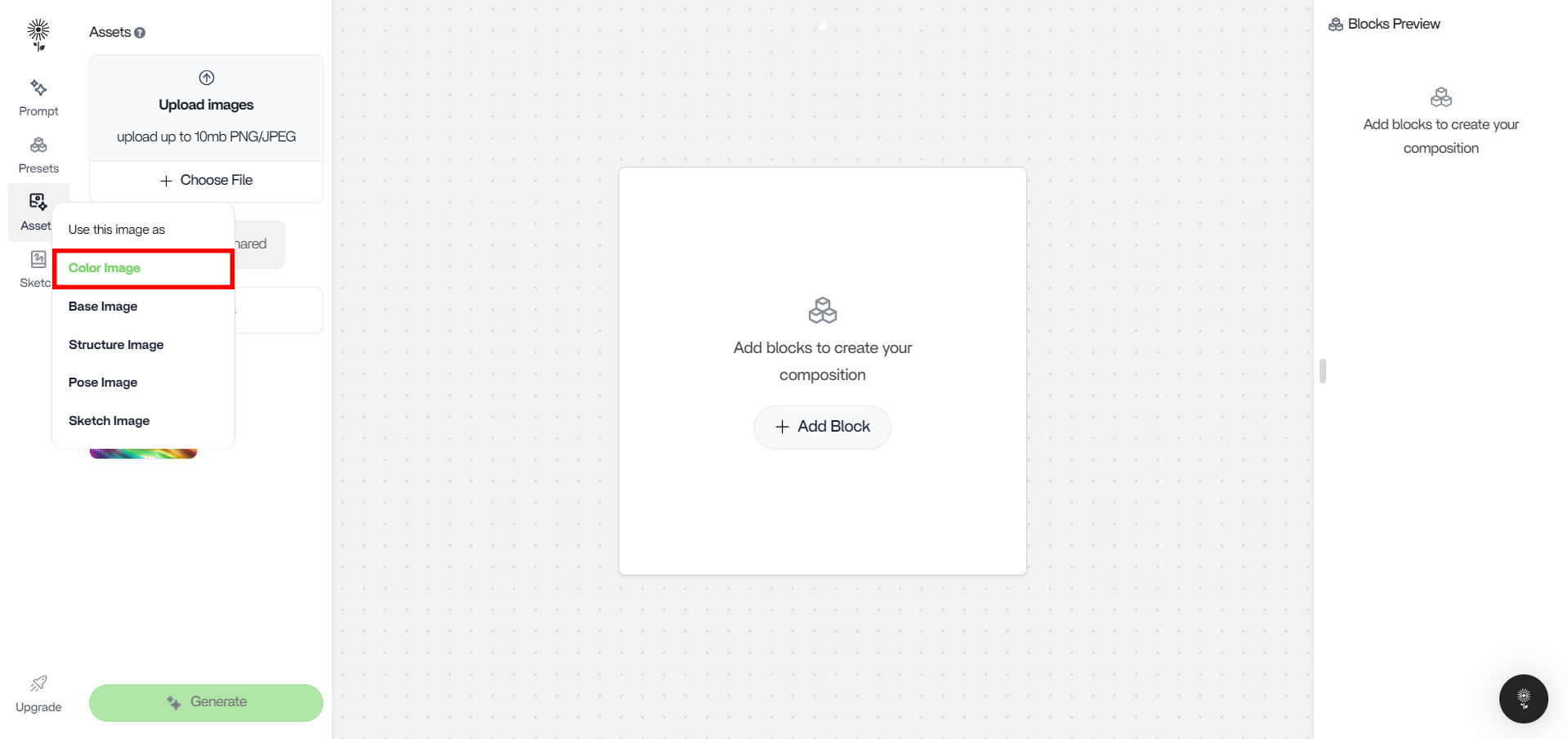
3. select “Color Image”
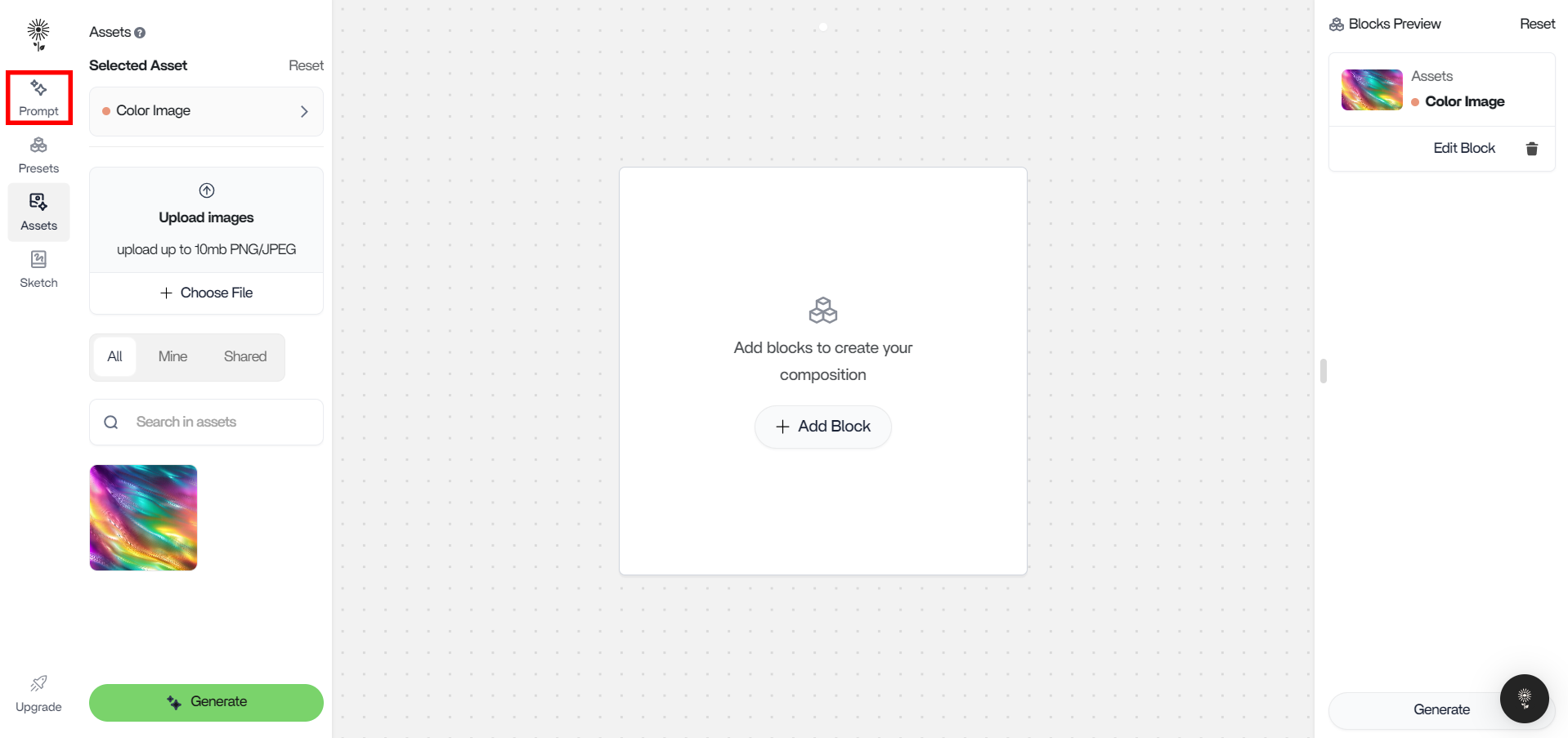
4. Head back to Prompt on the left action bar
5. Type in your prompt and click “Generate” below or press “Enter” on your keyboard.
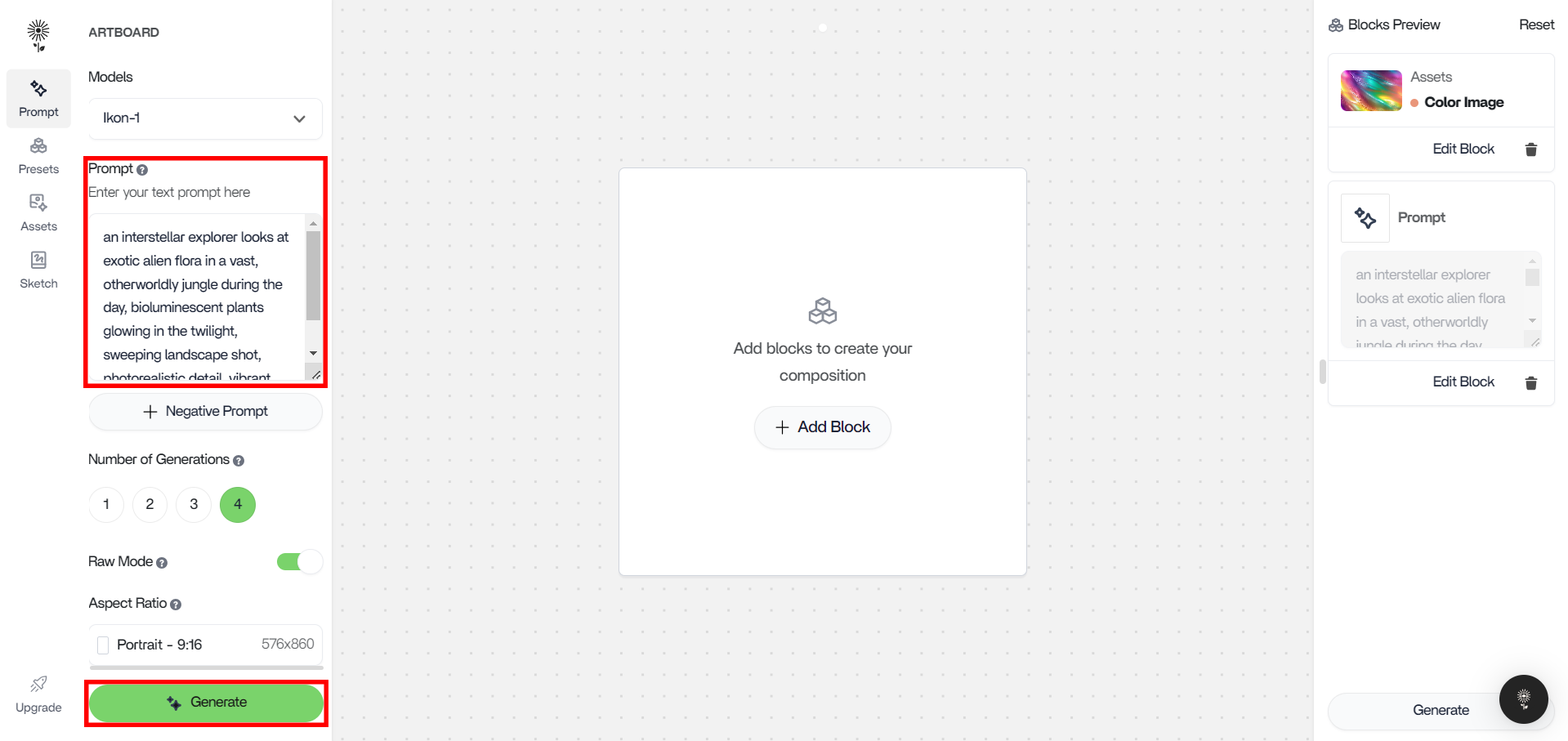
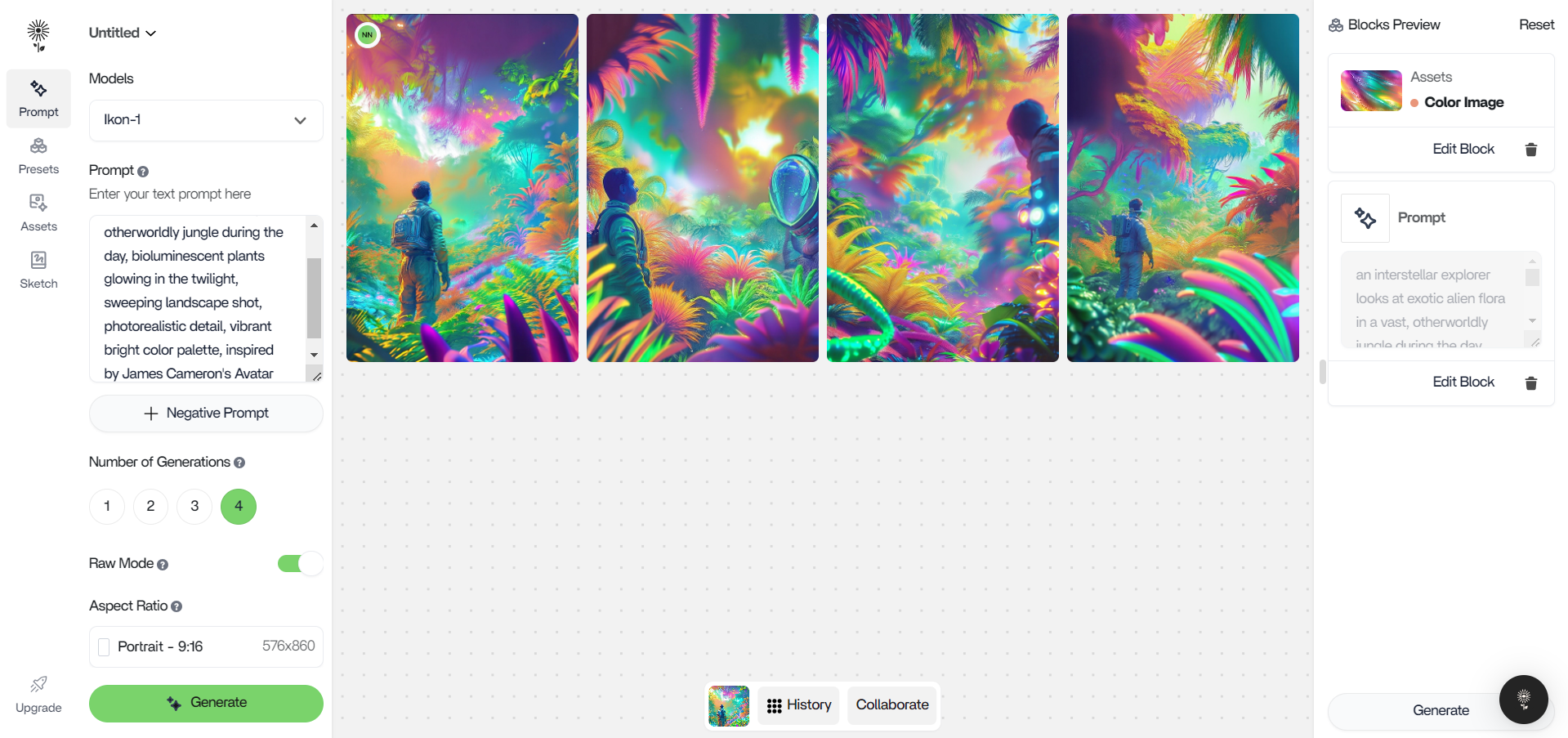
Control your outputs using a Color Image.