

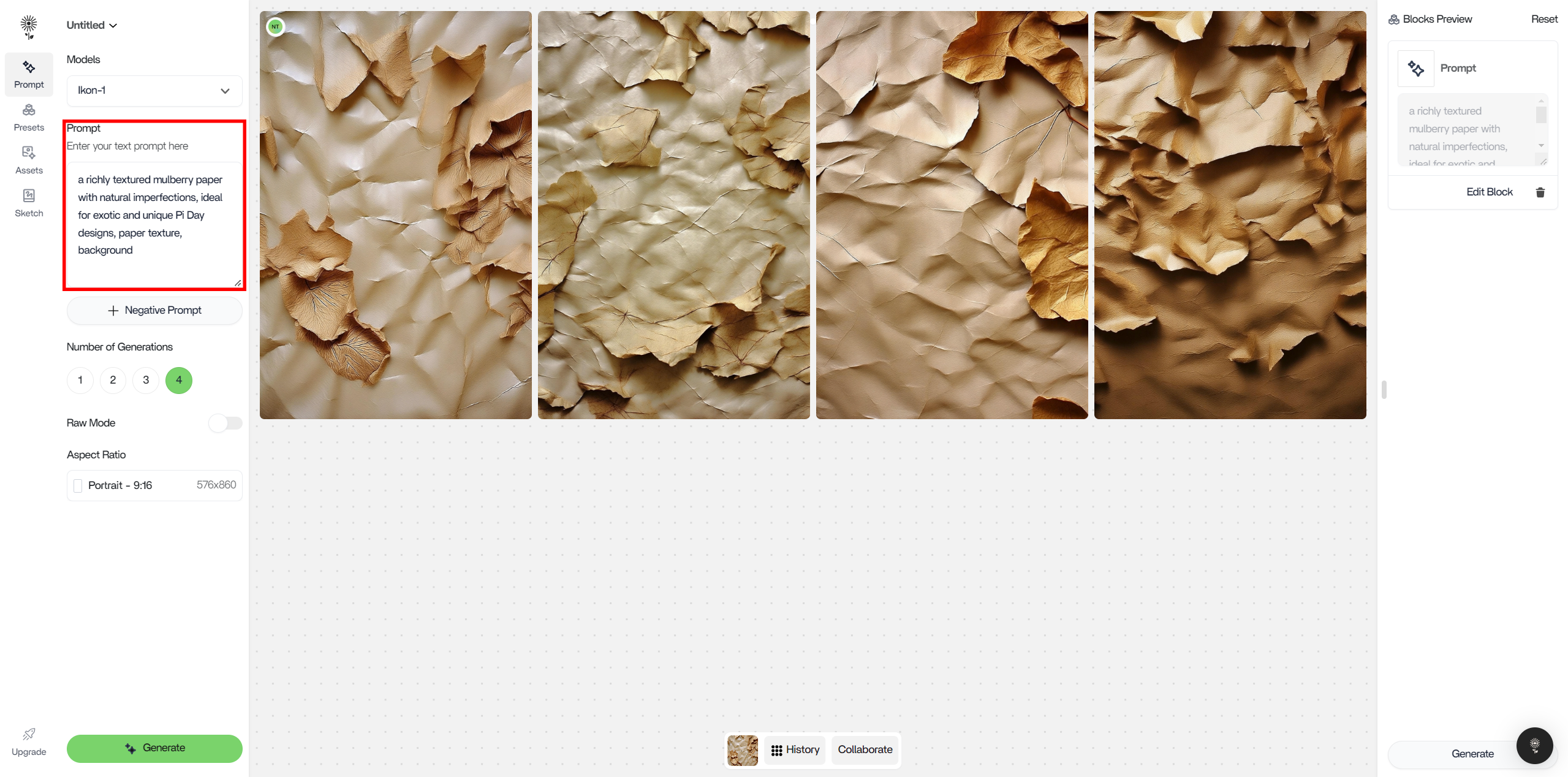
A good prompt for NEX would be:
- a richly textured mulberry paper with natural imperfections, ideal for exotic and unique Pi Day designs, paper texture, background
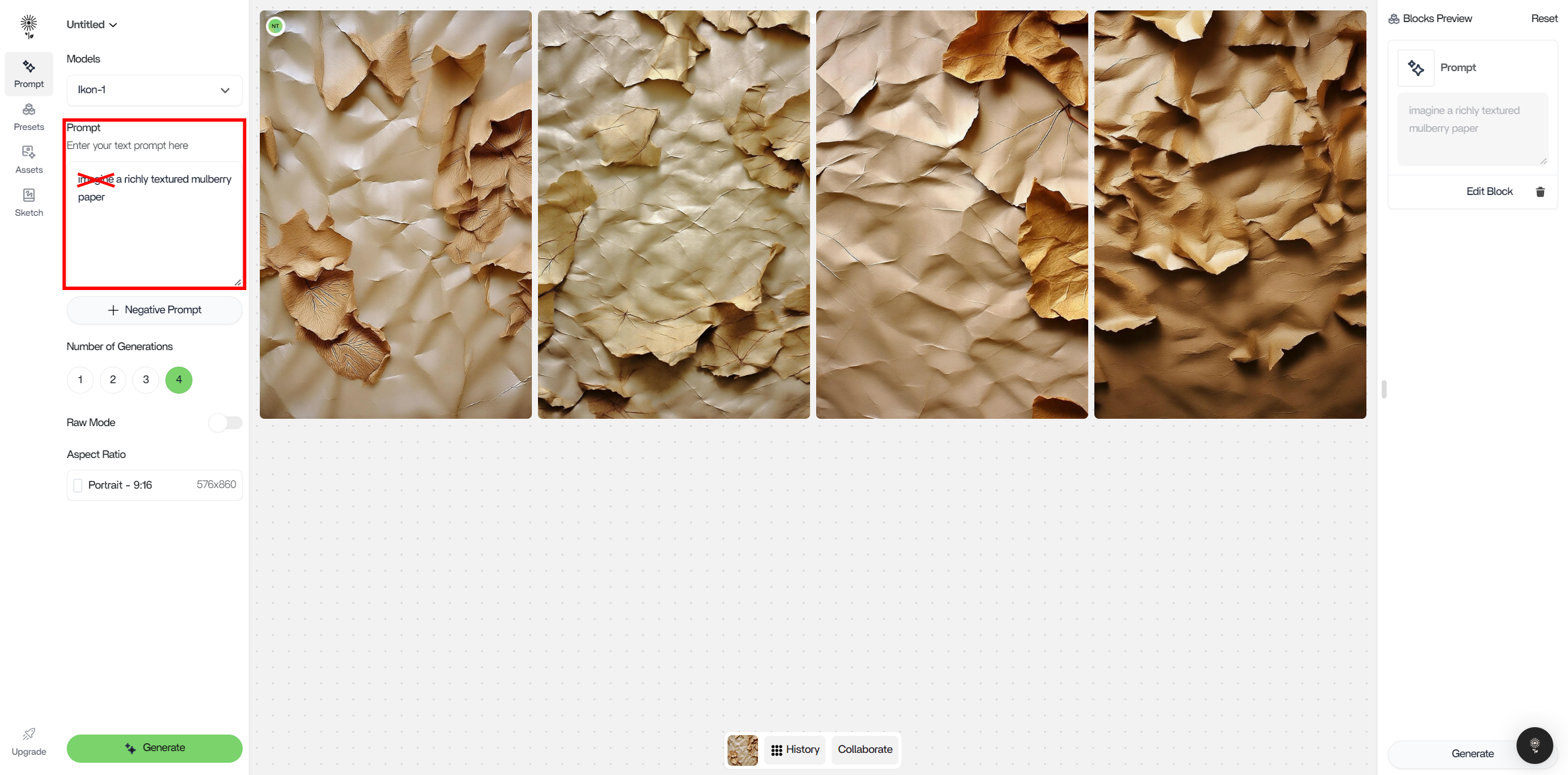
A bad prompt for NEX would be:
- “imagine a richly textured mulberry paper with natural imperfections, ideal for exotic and unique Pi Day designs, paper, texture, background”
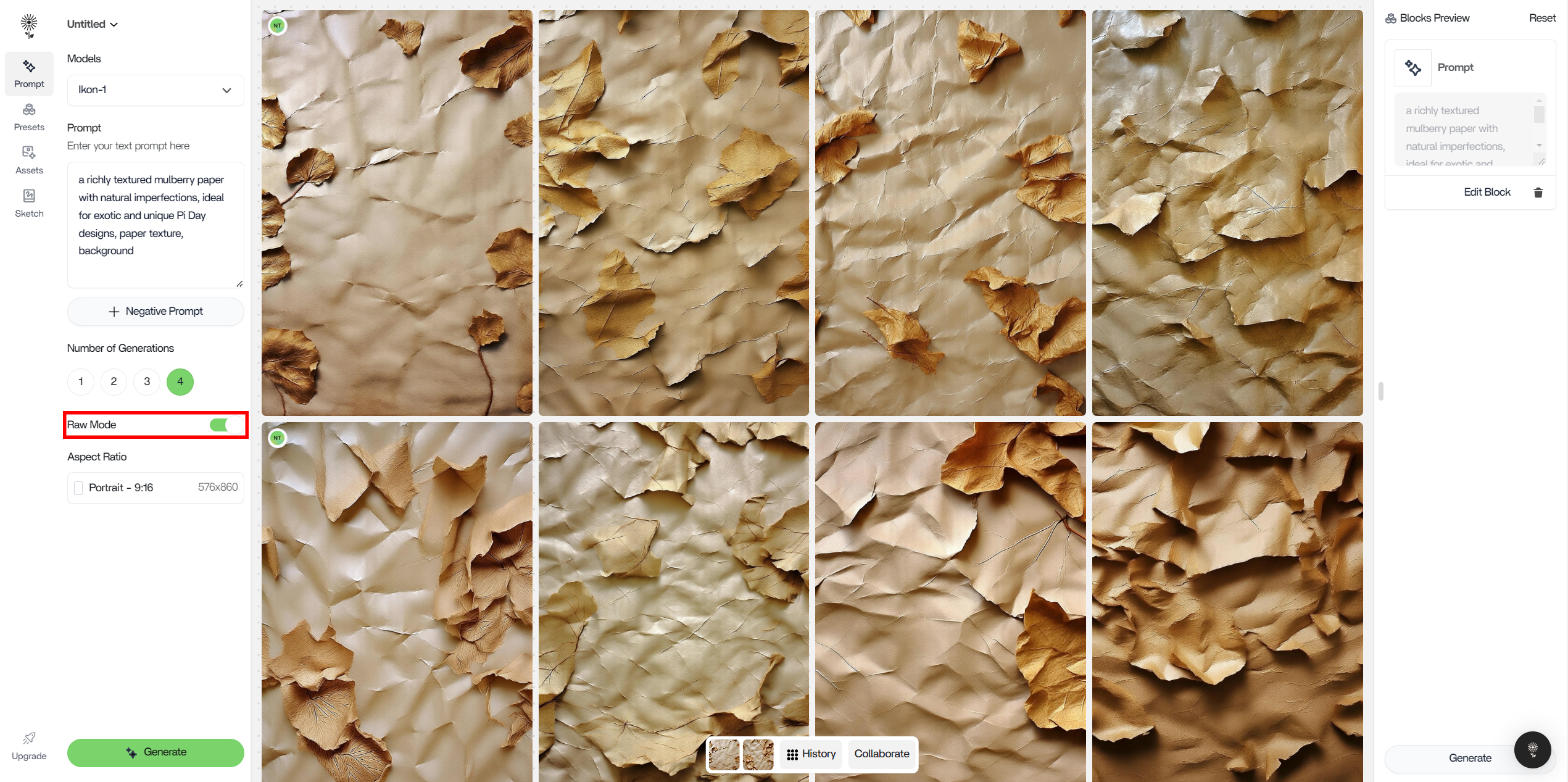
Raw Mode
Click on the “Raw Mode” button in the the Number of Generations control to increase prompt coherence.You’ll know its on when the button is green.
Prompt: a beautiful landscape shot of a robot standing in the middle of an open grass field, photorealistic, 4k
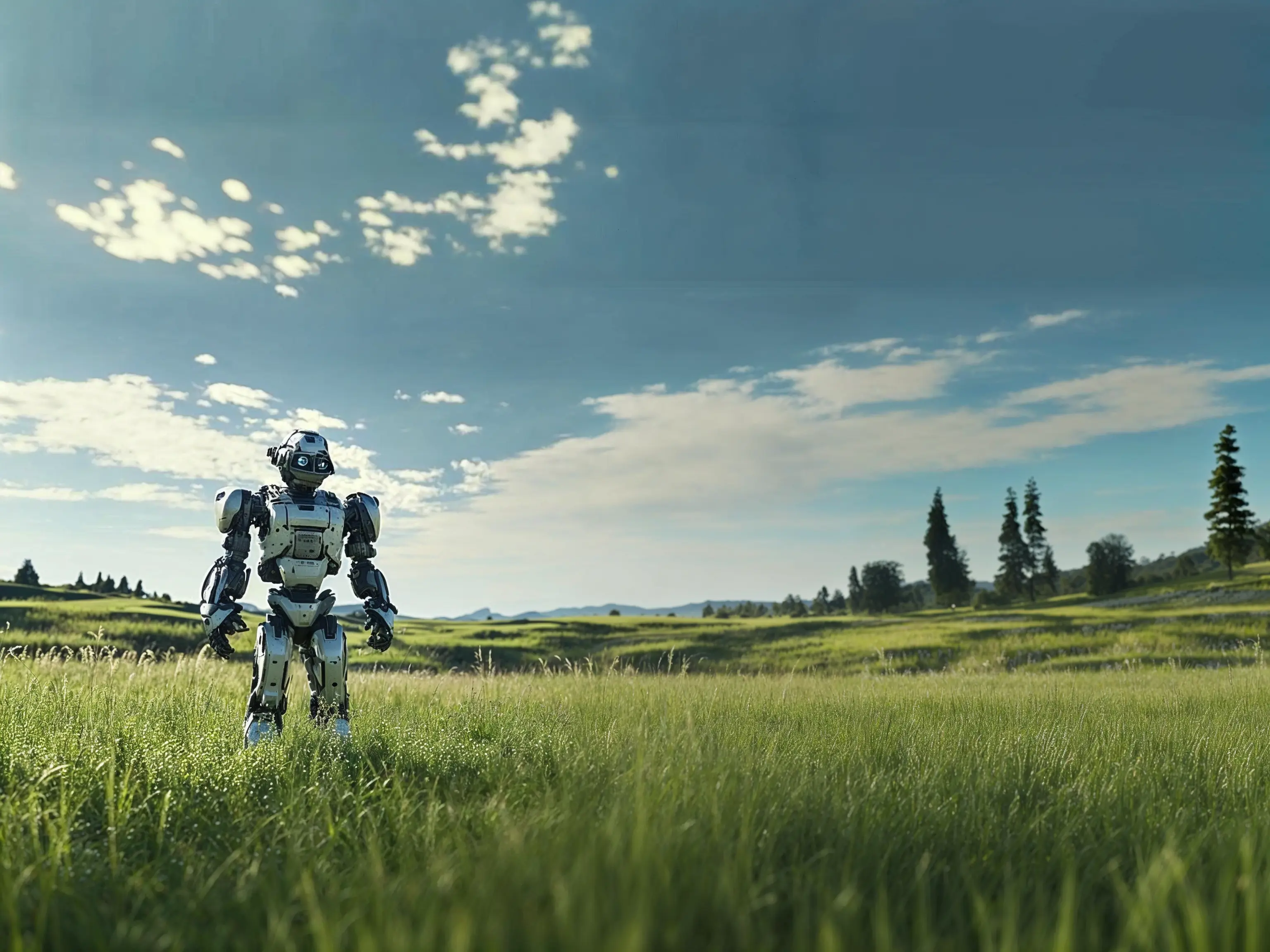
Raw Mode On
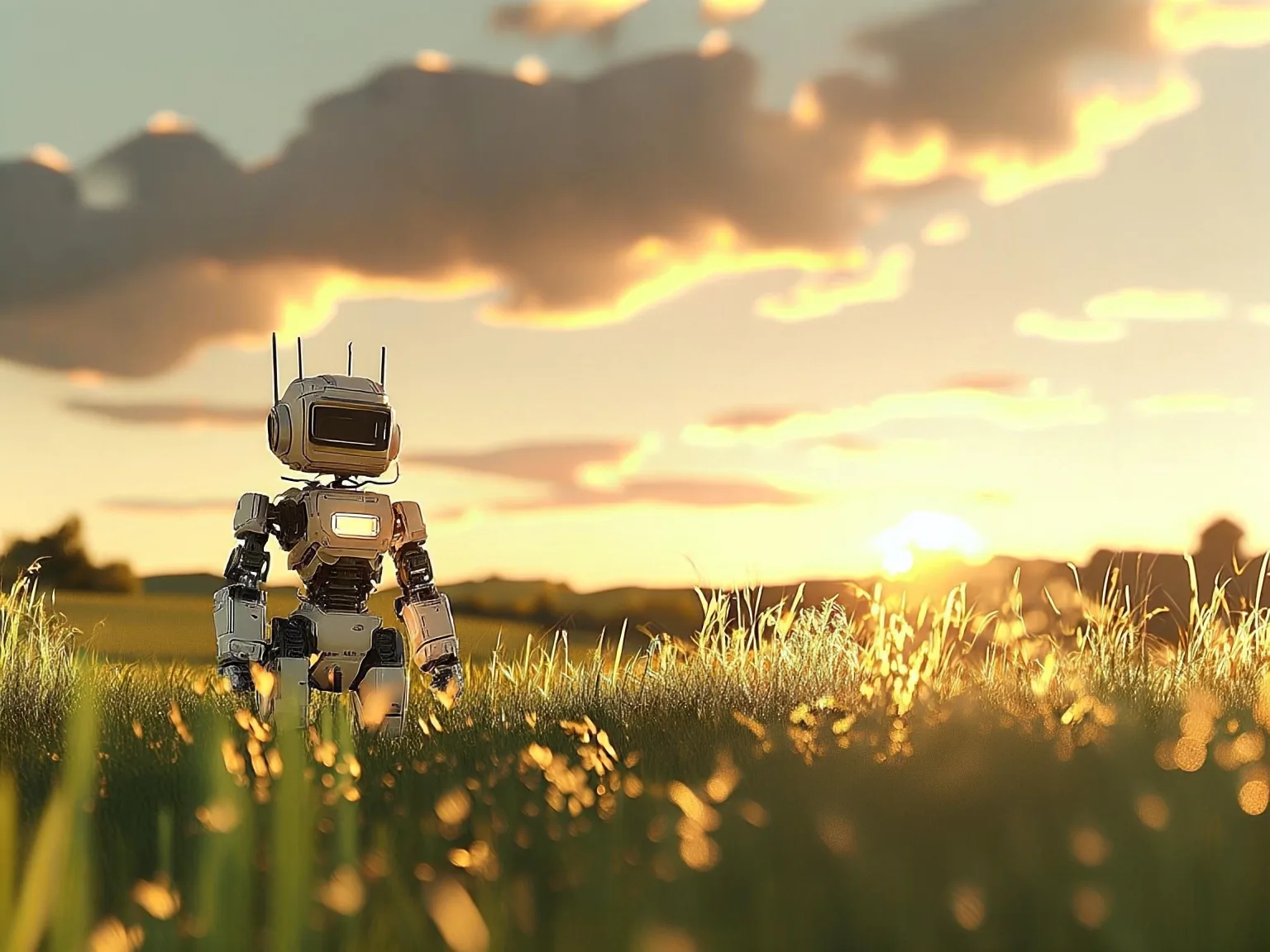
Raw Mode Off
The output follows the prompt much more closely when Raw Mode is turned On. When Raw Mode is turned Off, additional details appear such as: the lighting of the image, presence of the sun, and more prominent clouds.