

How to use the Image Enhancer
1. On the Console, click on the Image Enhancer, or head there directly https://console.nex.art/enhance.
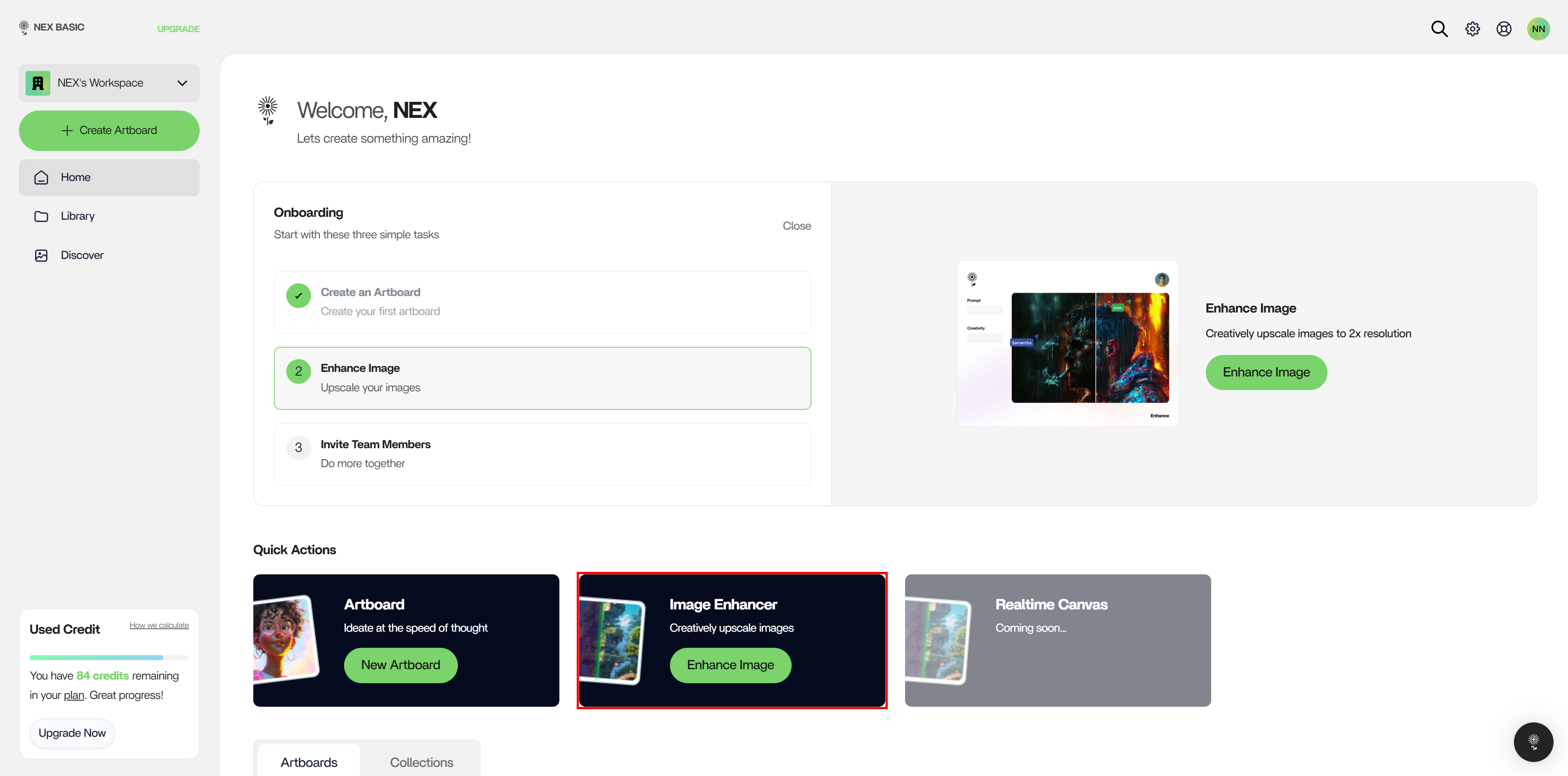
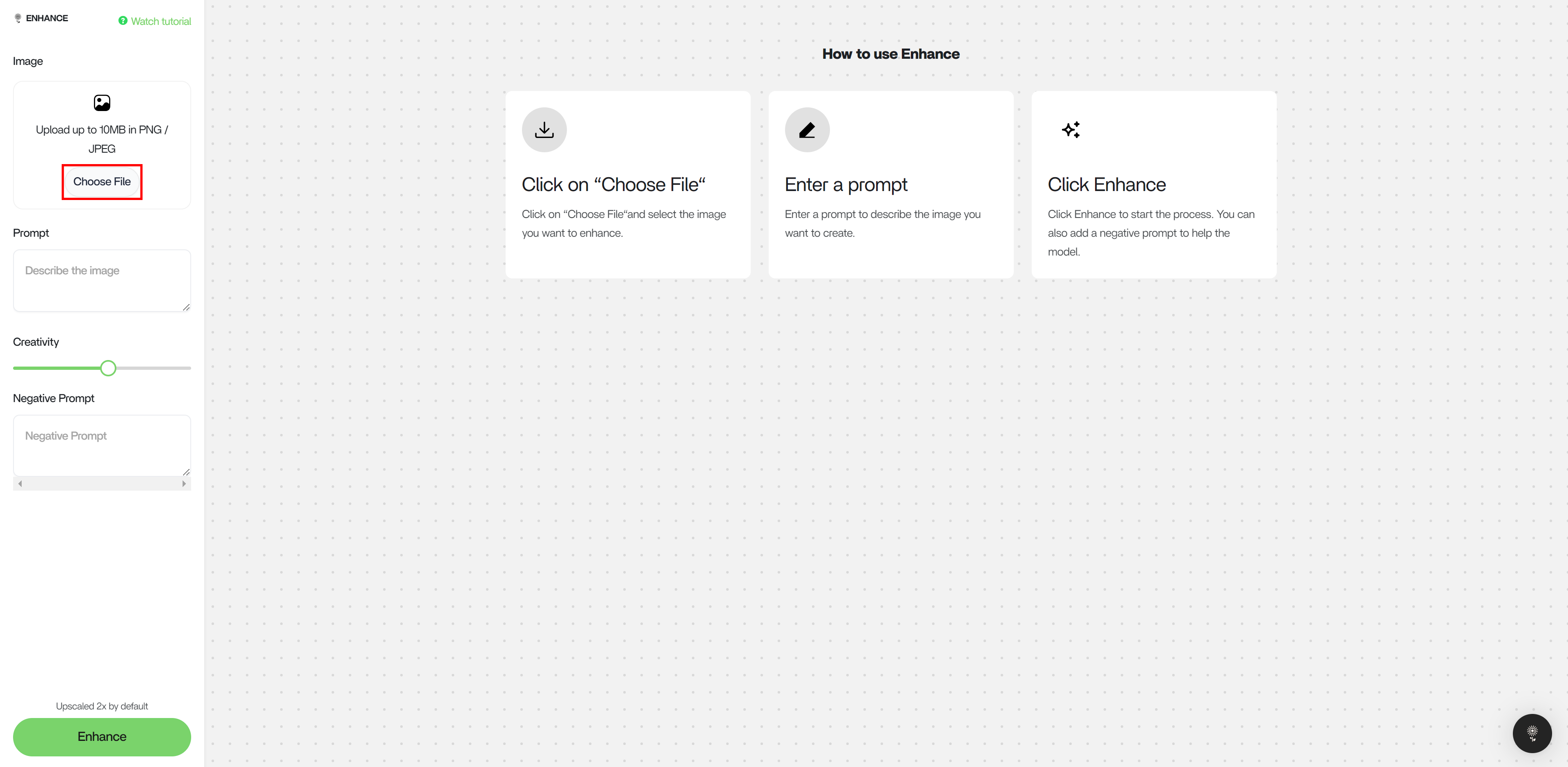
2. Select an image to enhance.
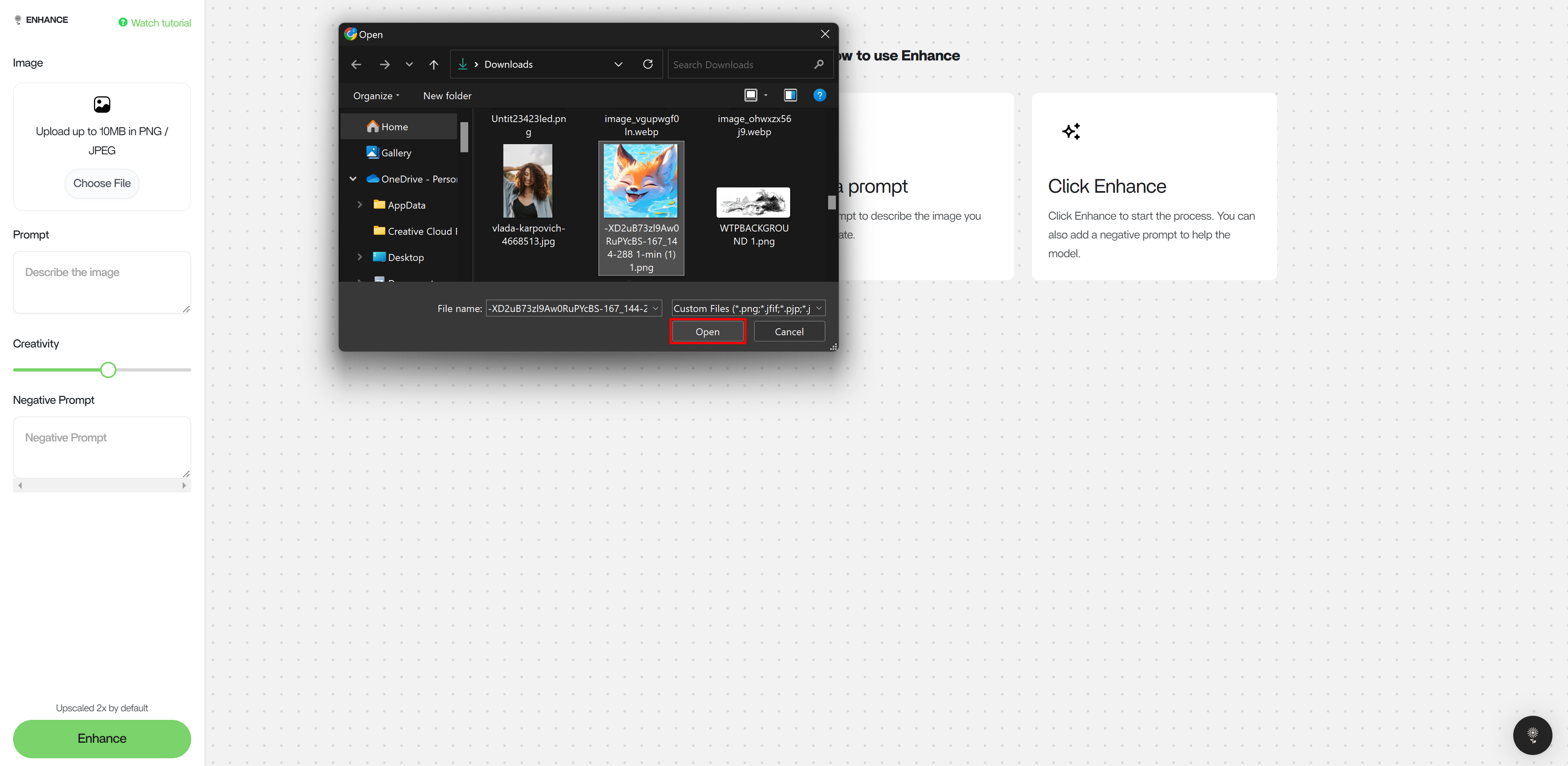
3. Describe the ideal output as well as input image in the Prompt box.
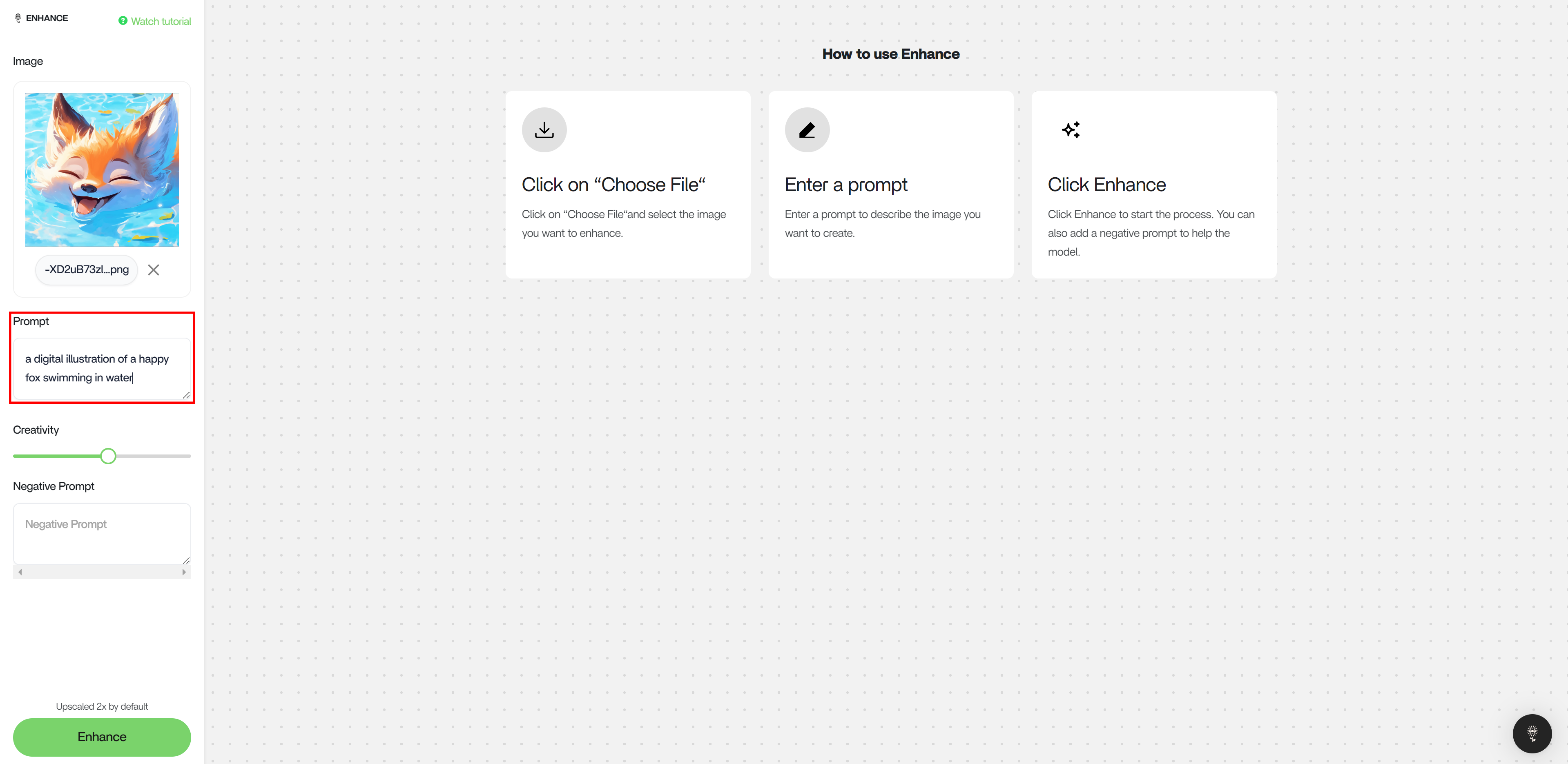
4. Adjust the Creativity slider. A higher creativity results in a greater amount of changes and a lower creativity effects the image composition minimally.
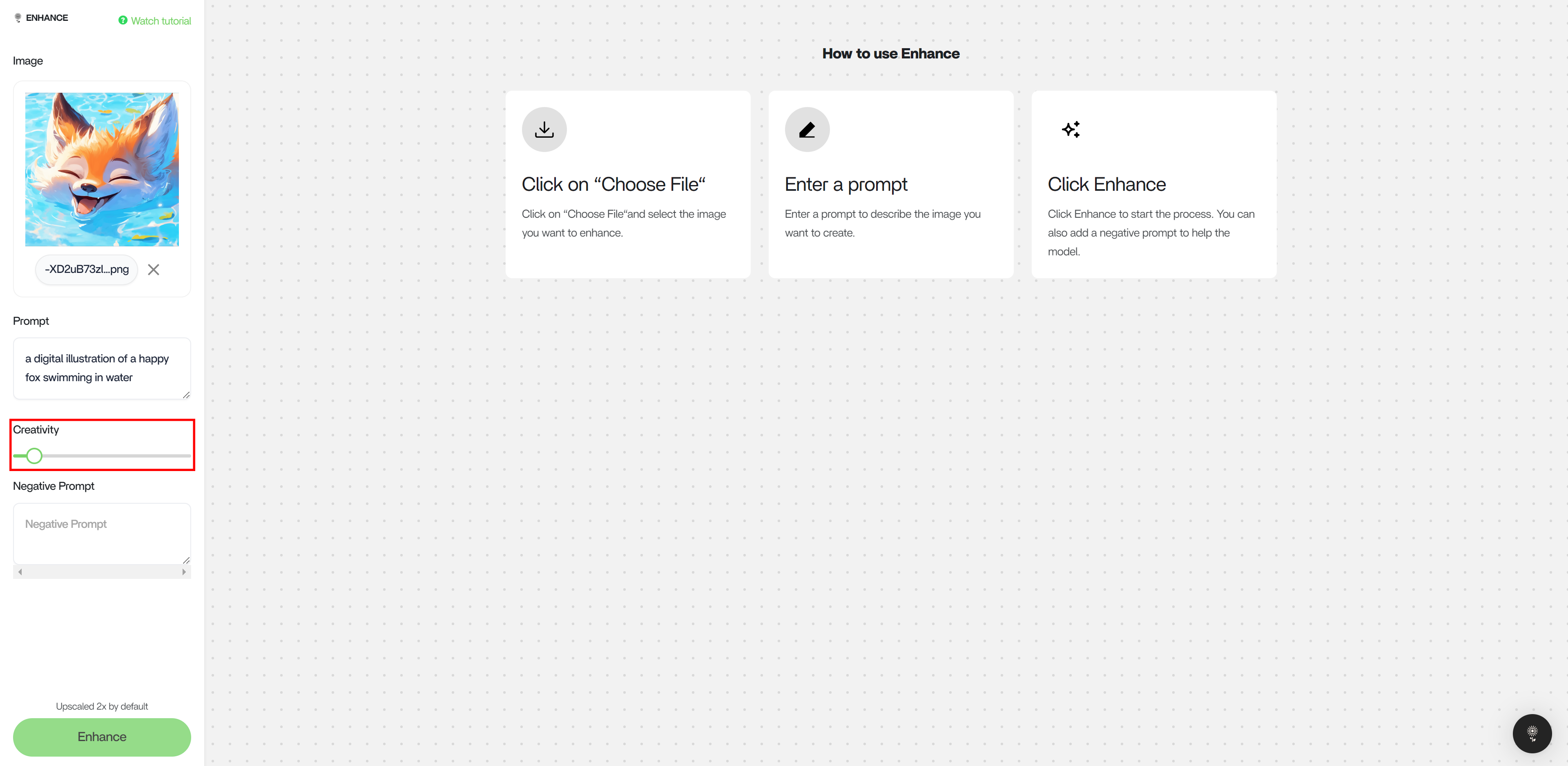
Creativity Slider
A creativity scale of < 0.4 is recommended. Depending on the input image quality and resolution, enhancing an image with a creativity scale > 0.4 can result in an increased amount of unwanted artifacts and distortion.Example of 0.67 Creativity
- Images Here
Example of 0.72 Creativity
- Images Here
Reimagination Comparison
- Images Here
Upscale Comparison
- Images Here