> ## Documentation Index
> Fetch the complete documentation index at: https://docs.nex.art/llms.txt
> Use this file to discover all available pages before exploring further.
# Text Prompting
> Text prompting is easy with NEX
Type in what you want to generate, but try to avoid the following mistakes:
Upload **images** that are as **high res** as possible and have the least amount of blurriness.
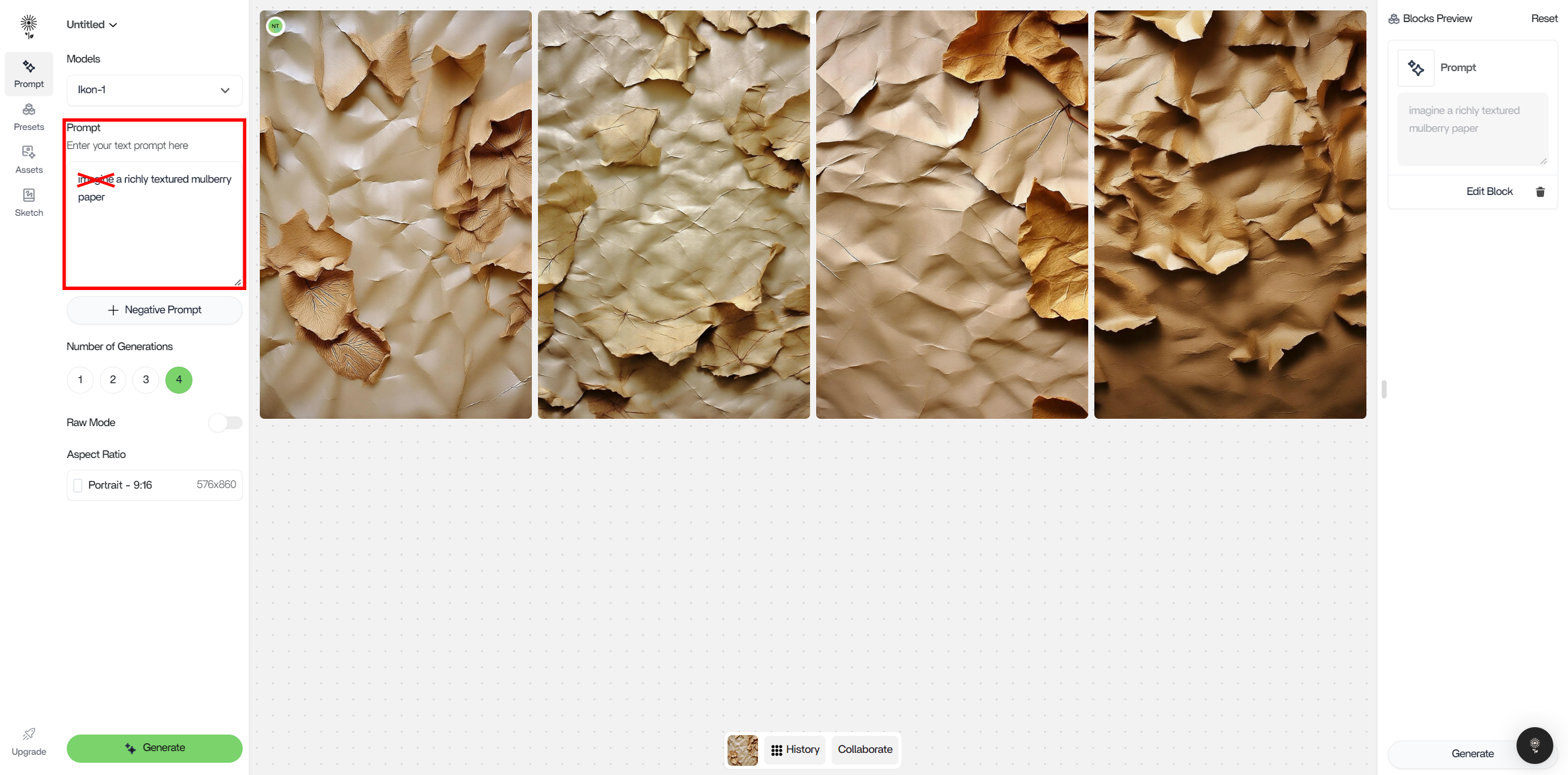
We know that it is tempting to treat NEX conversationally, but try to avoid words like these at the beginning of your prompts : imagine, create, draw, envision, construct, visualize, paint, and others like this.
For Example:
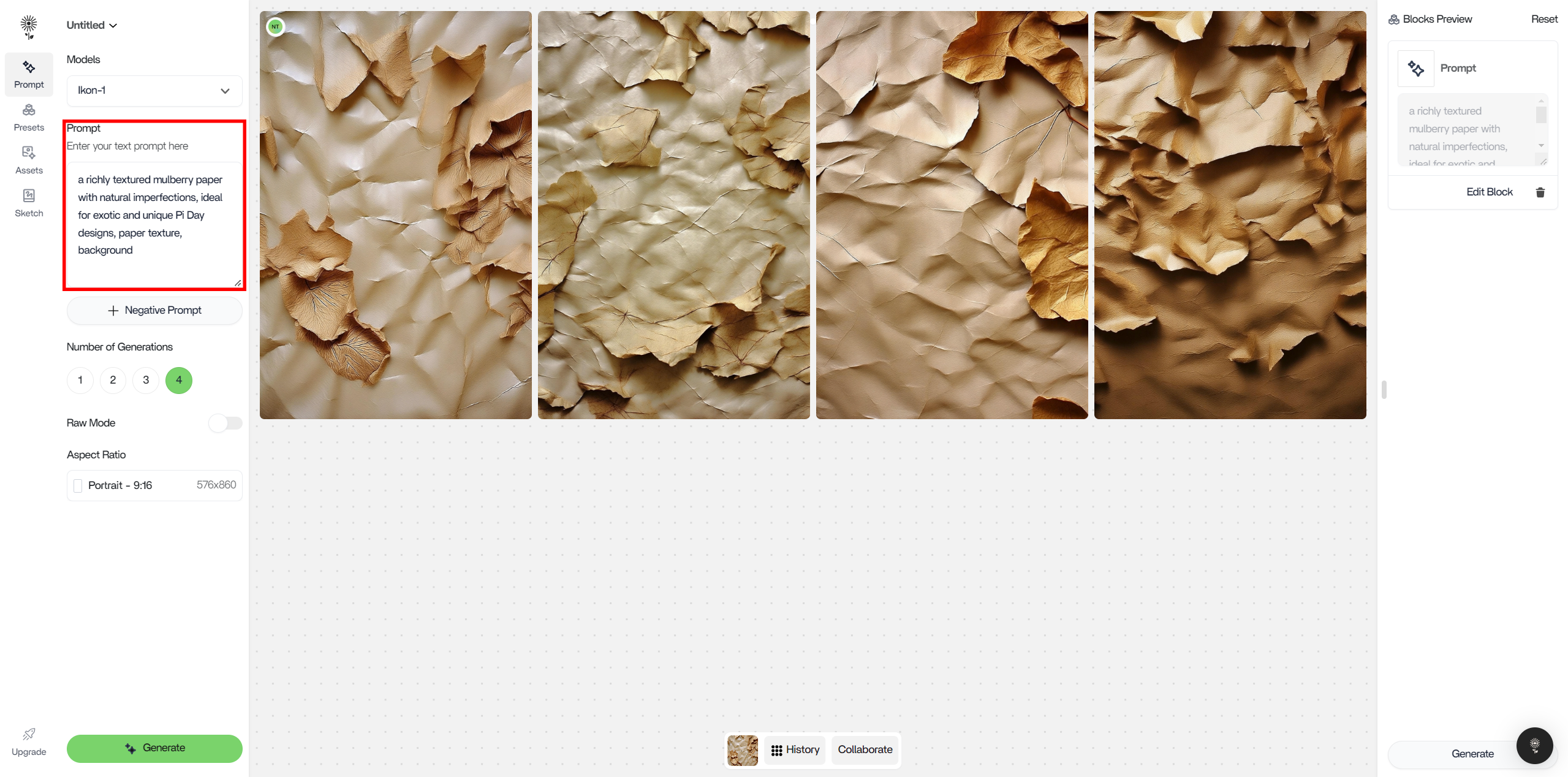
#### A good prompt for NEX would be:
1. a richly textured mulberry paper with natural imperfections, ideal for exotic and unique Pi Day designs, paper texture, background
 #### A bad prompt for NEX would be:
1. “imagine a richly textured mulberry paper with natural imperfections, ideal for exotic and unique Pi Day designs, paper, texture, background”
#### A bad prompt for NEX would be:
1. “imagine a richly textured mulberry paper with natural imperfections, ideal for exotic and unique Pi Day designs, paper, texture, background”
 # Raw Mode
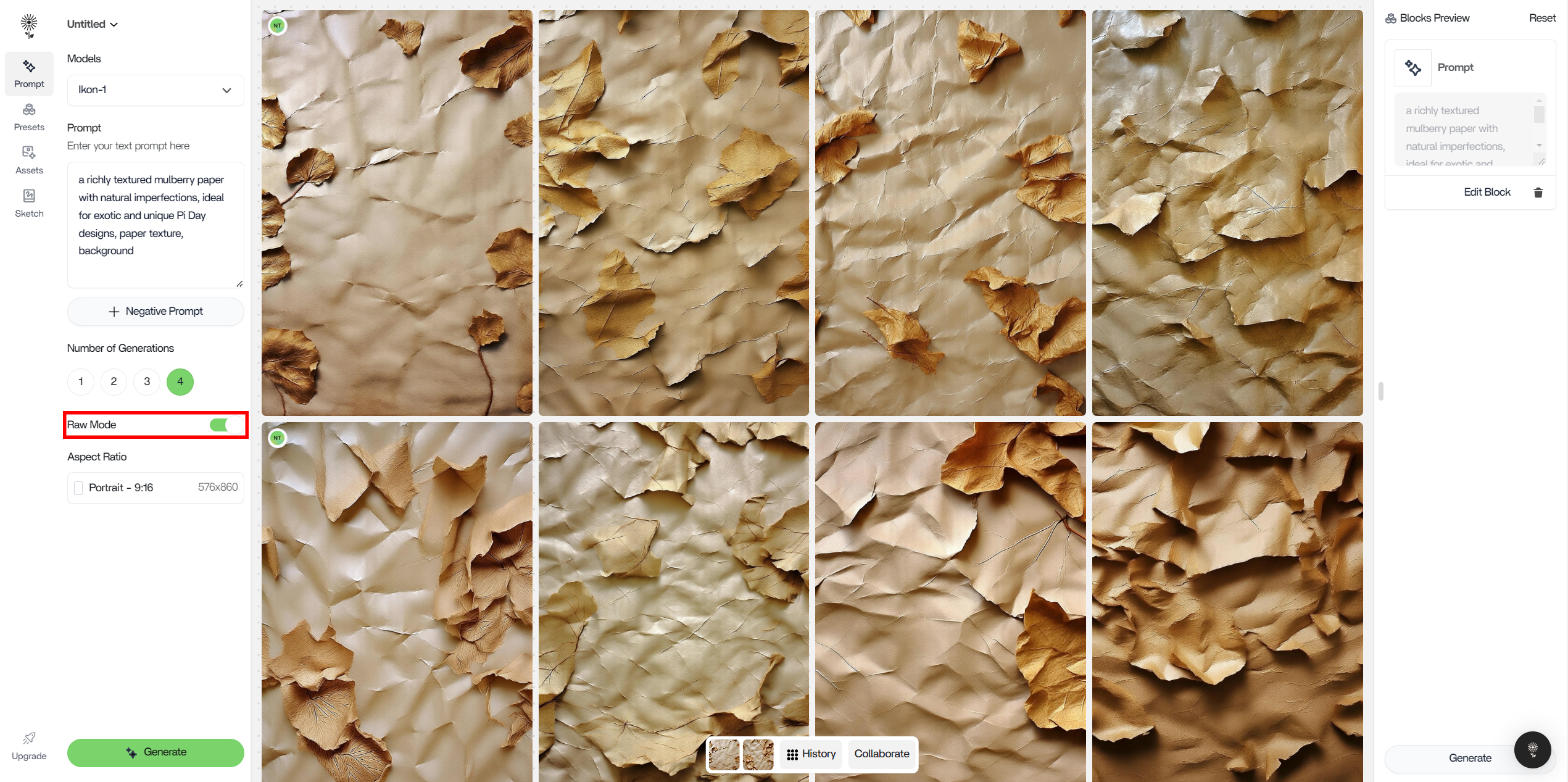
Click on the “Raw Mode” button in the the Number of Generations control to increase prompt coherence.\
You’ll know its on when the button is green.
How does this work? The raw caption is directly submitted to the model. At times, this may increase image quality
# Raw Mode
Click on the “Raw Mode” button in the the Number of Generations control to increase prompt coherence.\
You’ll know its on when the button is green.
How does this work? The raw caption is directly submitted to the model. At times, this may increase image quality
 Raw Mode Comparison\
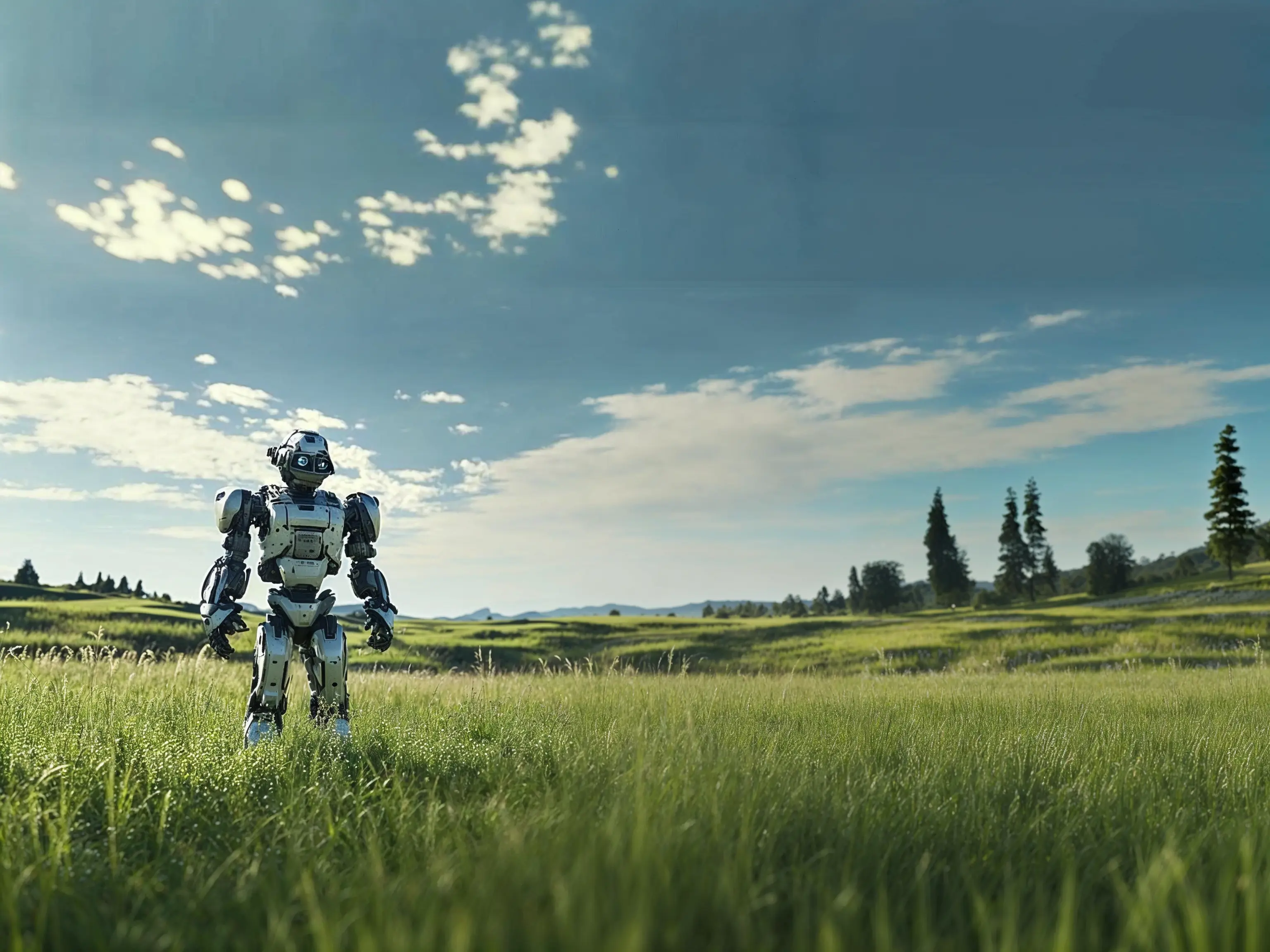
Prompt: a beautiful landscape shot of a robot standing in the middle of an open grass field, photorealistic, 4k
Raw Mode Comparison\
Prompt: a beautiful landscape shot of a robot standing in the middle of an open grass field, photorealistic, 4k
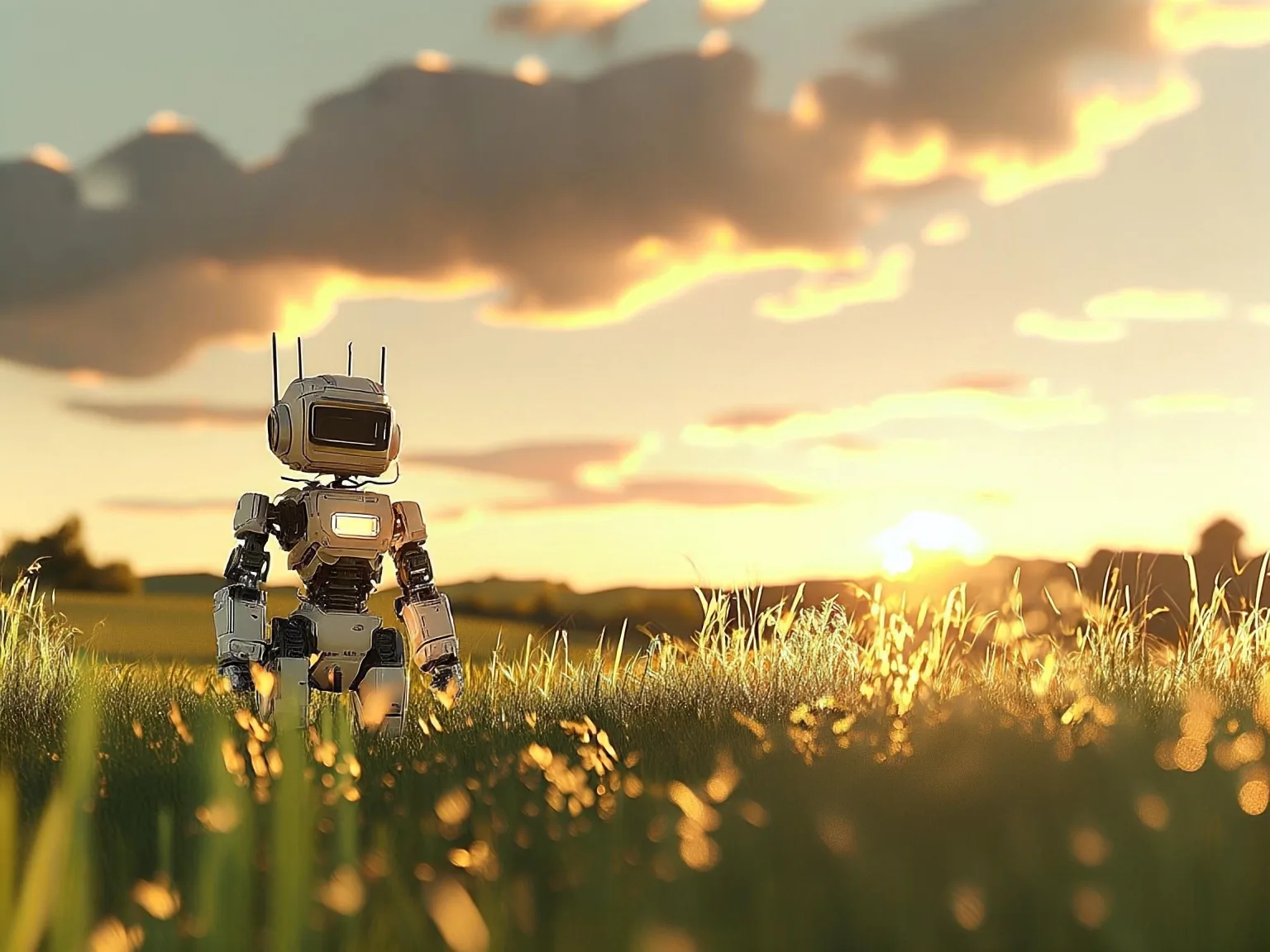 Note:\
The output follows the prompt much more closely when Raw Mode is turned On. When Raw Mode is turned Off, additional details appear such as: the lighting of the image, presence of the sun, and more prominent clouds.
Note:\
The output follows the prompt much more closely when Raw Mode is turned On. When Raw Mode is turned Off, additional details appear such as: the lighting of the image, presence of the sun, and more prominent clouds.